Dashboards
Custom dashboards for your business
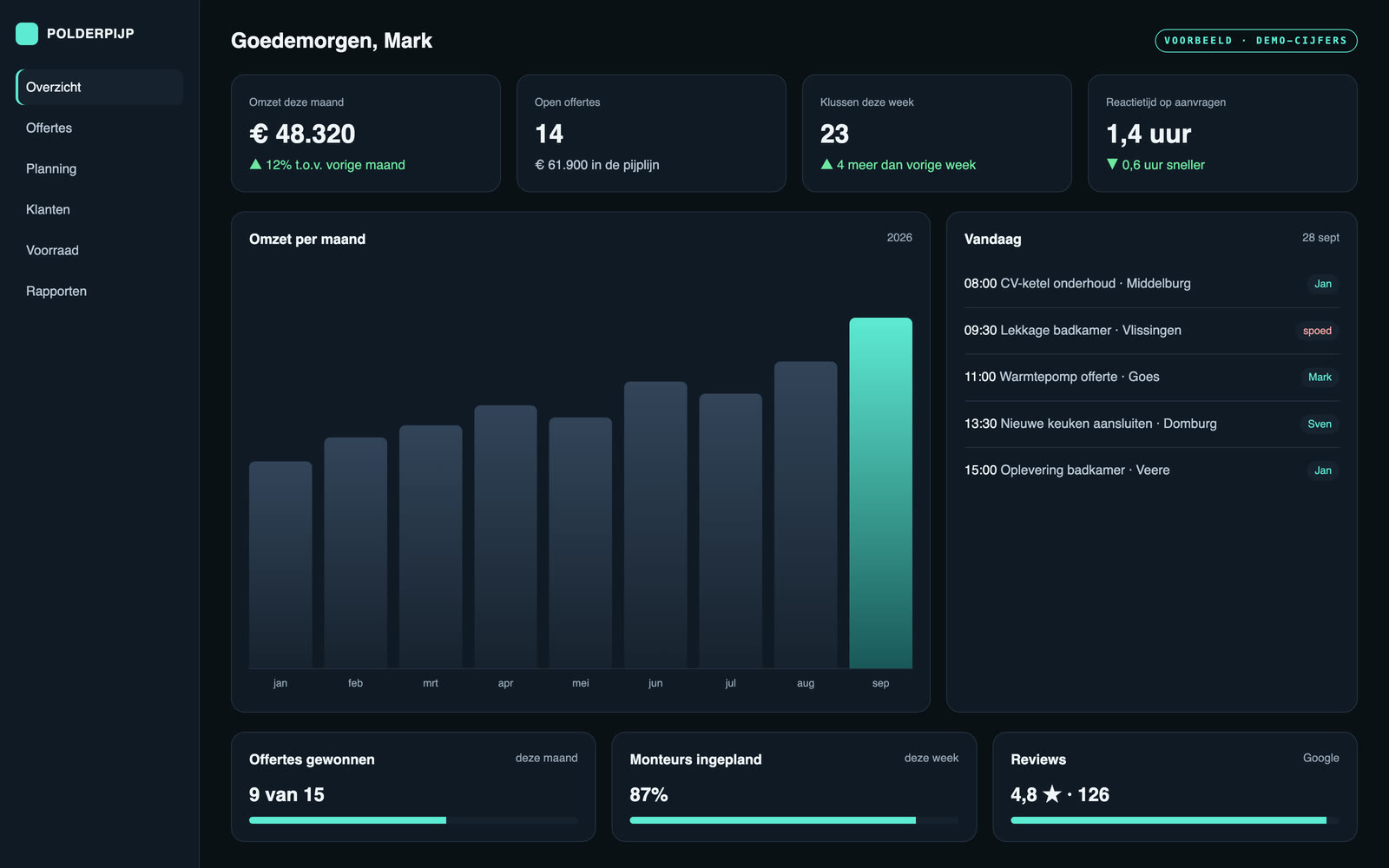
All your key numbers on one screen: revenue, quotes, planning and customers. Always up to date, without Excel lists you have to rebuild every week.
We build the dashboard around your business and connect it to the systems you already use. You see how things stand in a few seconds, on your computer and on your phone.
What it looks like
What we build for you
Revenue and sales
Revenue, orders and margin per day, week and month. You see right away what is going well and what is falling behind.
Client portal
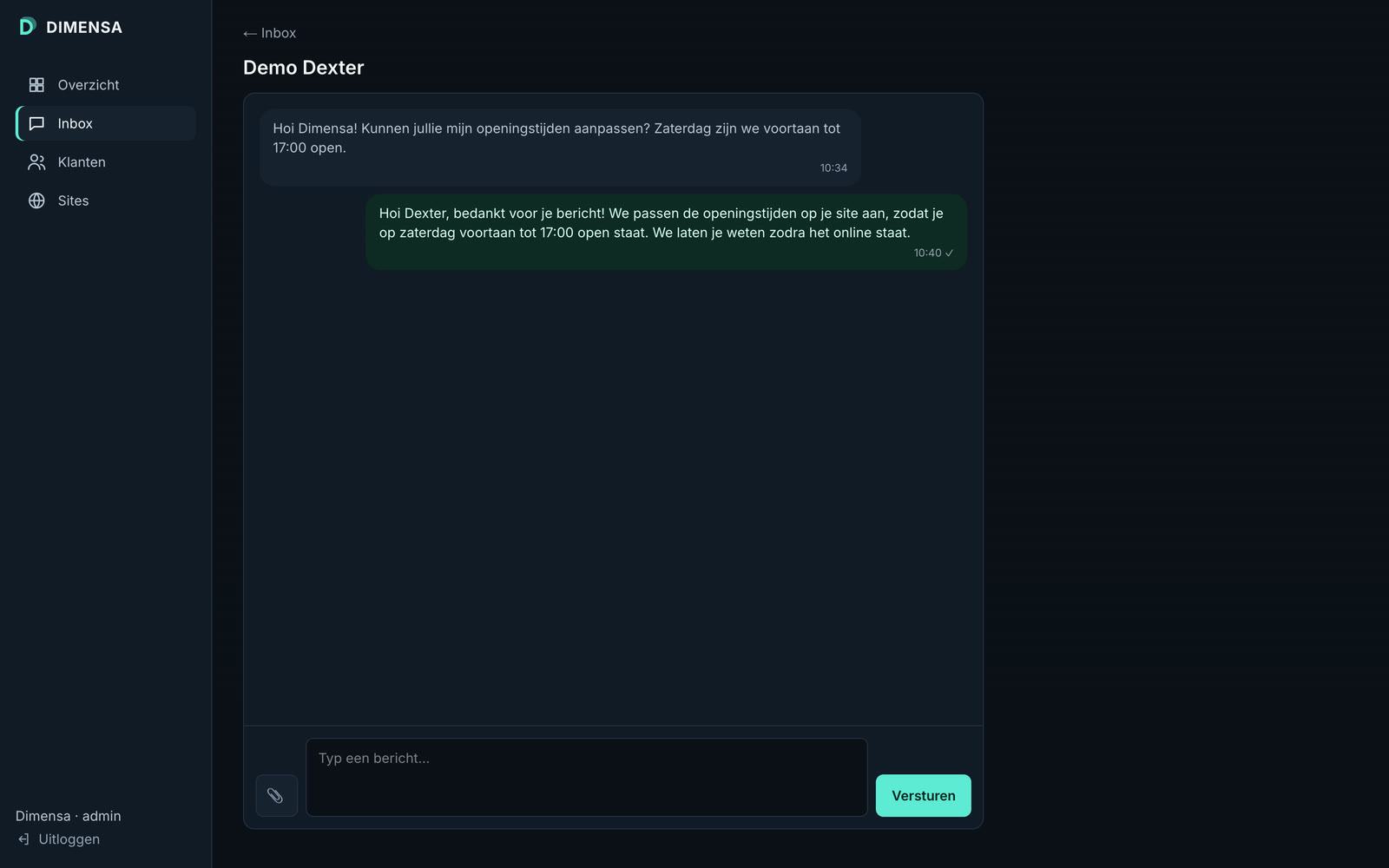
Your clients log in and see their own status, files and messages. That saves you emails and phone calls.
Admin panel
Clients, requests and tasks in one place, so your whole team works from the same list.
Planning and live status
Who is where, which job is running and what still needs doing today. Always up to date.
Integrations
We pull the data from what you already have: your accounting, webshop, calendar, Google or Excel.
Automatic reports
A short summary in your inbox every week or month, without anyone having to count anything.
Every dashboard is custom work, so you get a quote made to measure. You start with a paid consultation. If you go ahead, that amount comes off the project, and you get a fixed price before we build.
How it works
Step 1
Consultation
You tell us which numbers you want to see and where they live now. You get our advice in writing.
Step 2
Sketch and fixed price
You first see a sketch of your screen. If it fits, you get a fixed price and a date.
Step 3
Build and connect
We build the dashboard and connect it to your systems. Your work carries on as normal.
Step 4
Handover and walkthrough
You get your logins and a short walkthrough. Then you can start using it straight away.
Frequently asked questions
- Does it work on my phone?
- Yes. Every dashboard works on computer, tablet and phone.
- Who can see my data?
- Only the people you give access to. Everyone logs in with their own account, and we share your data with no one.
- Can I change or add things later?
- Yes. A dashboard grows with your business. We add new numbers or integrations later, also at a fixed price.
- I still work in Excel. Is that fine?
- Yes. We can start with your Excel files and move to a real integration later.
Want all your numbers on one screen? Request a no-obligation quote.